 keitakag
KEITAKAG
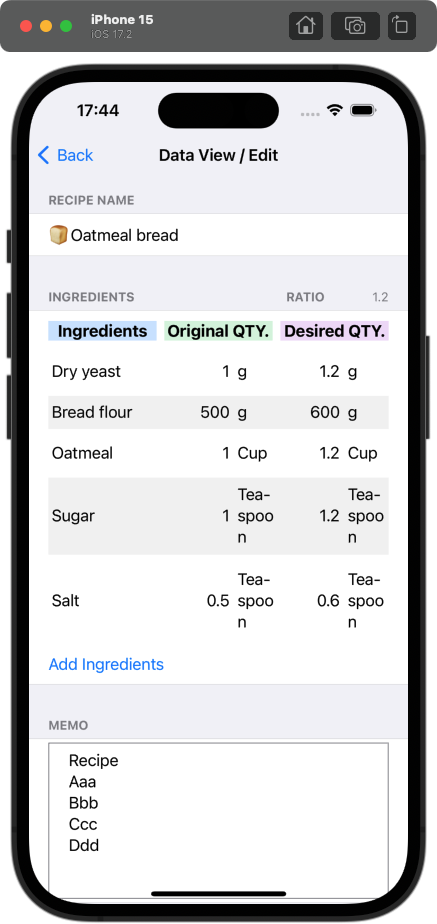
RecipeCalc
When should I use this app?
Do you sometimes want to make a little less or more than the recipe suggests, such as when you are missing some of the ingredients or want to use all the leftovers?
In such cases, please use the “RecipeCalc”.
Download

How to use
1. Press the plus button on the top right

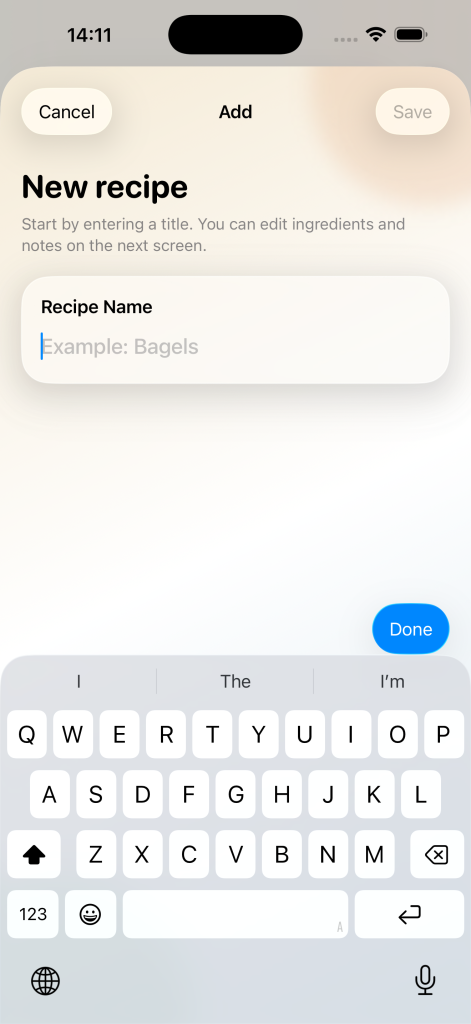
2. Register “recipe name”
3. Register “Ingredients” and “Original QTY.” (amounts according to the recipe) and Register the “Desired GTY.” (you only need to register one location)
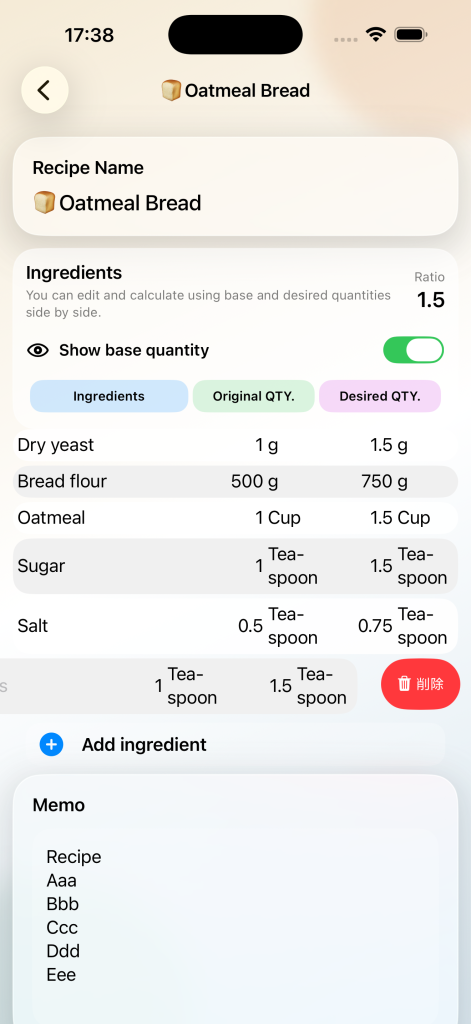
4. Register the “Desired GTY.” (you only need to register one location)