 keitakag
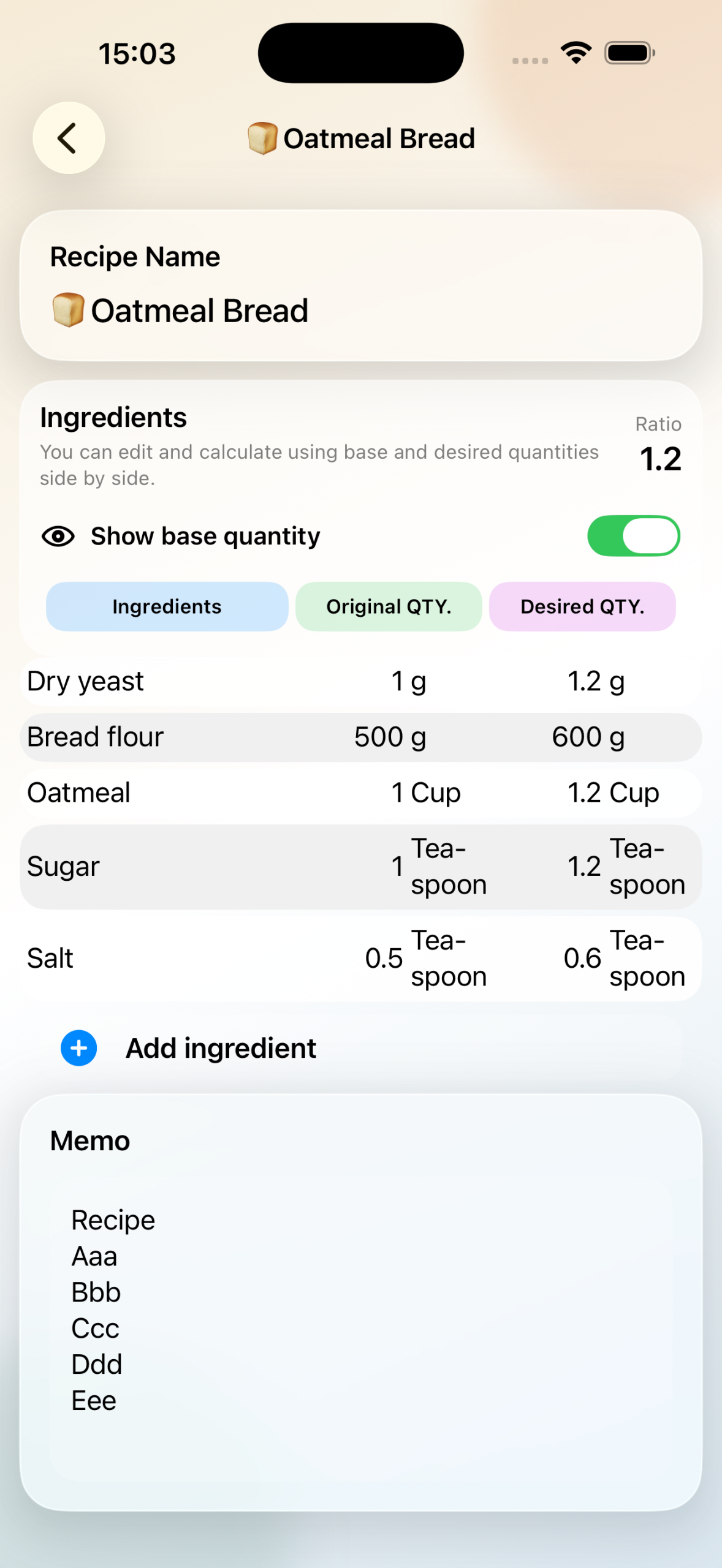
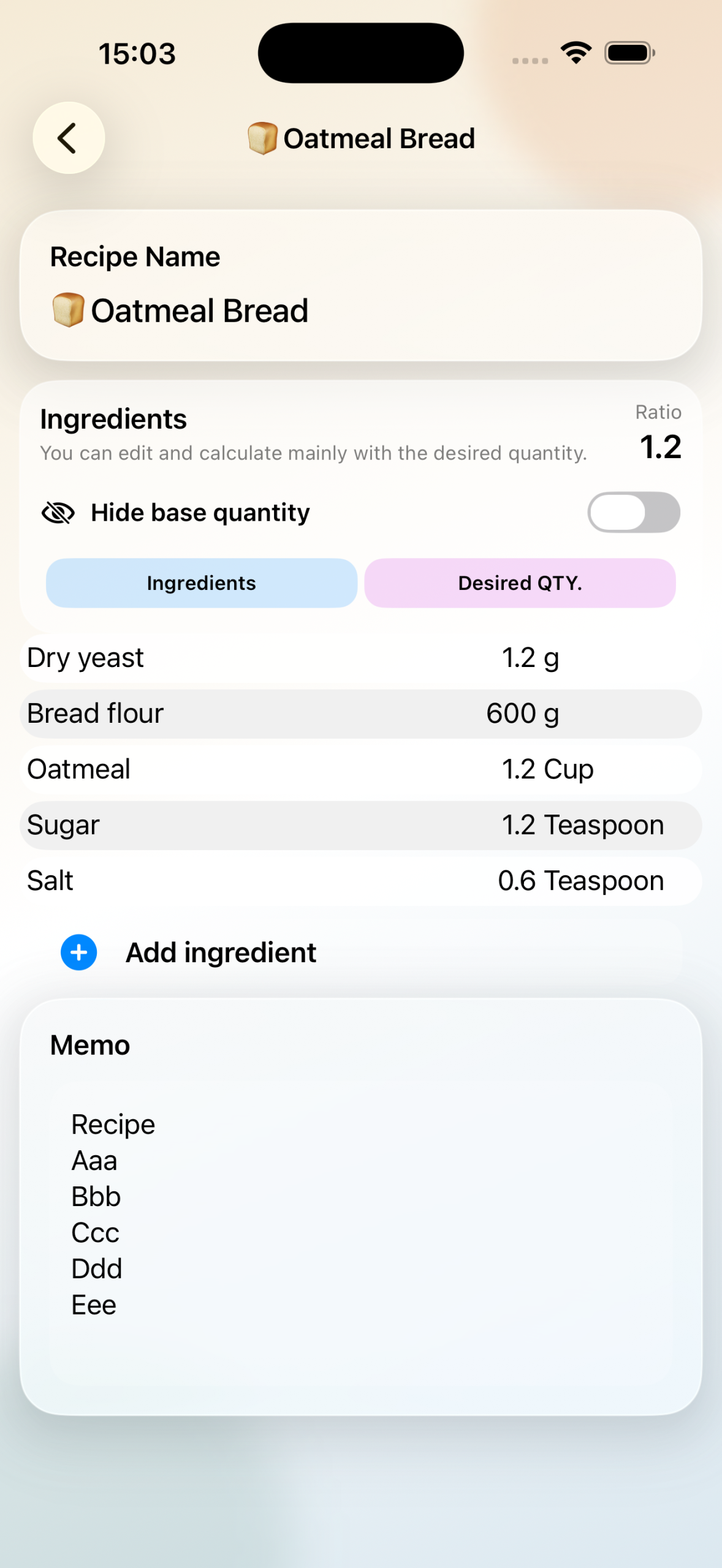
We’ve completely redesigned the app’s overall UI.
We also added a new feature that allows you to show or hide the “Original QTY.” column.
The “Original QTY.” column is now only displayed when you want to modify a recipe. Normally, only the “Desired QTY.” column is shown, which helps prevent layout issues caused by limited horizontal space and unwanted line wrapping.